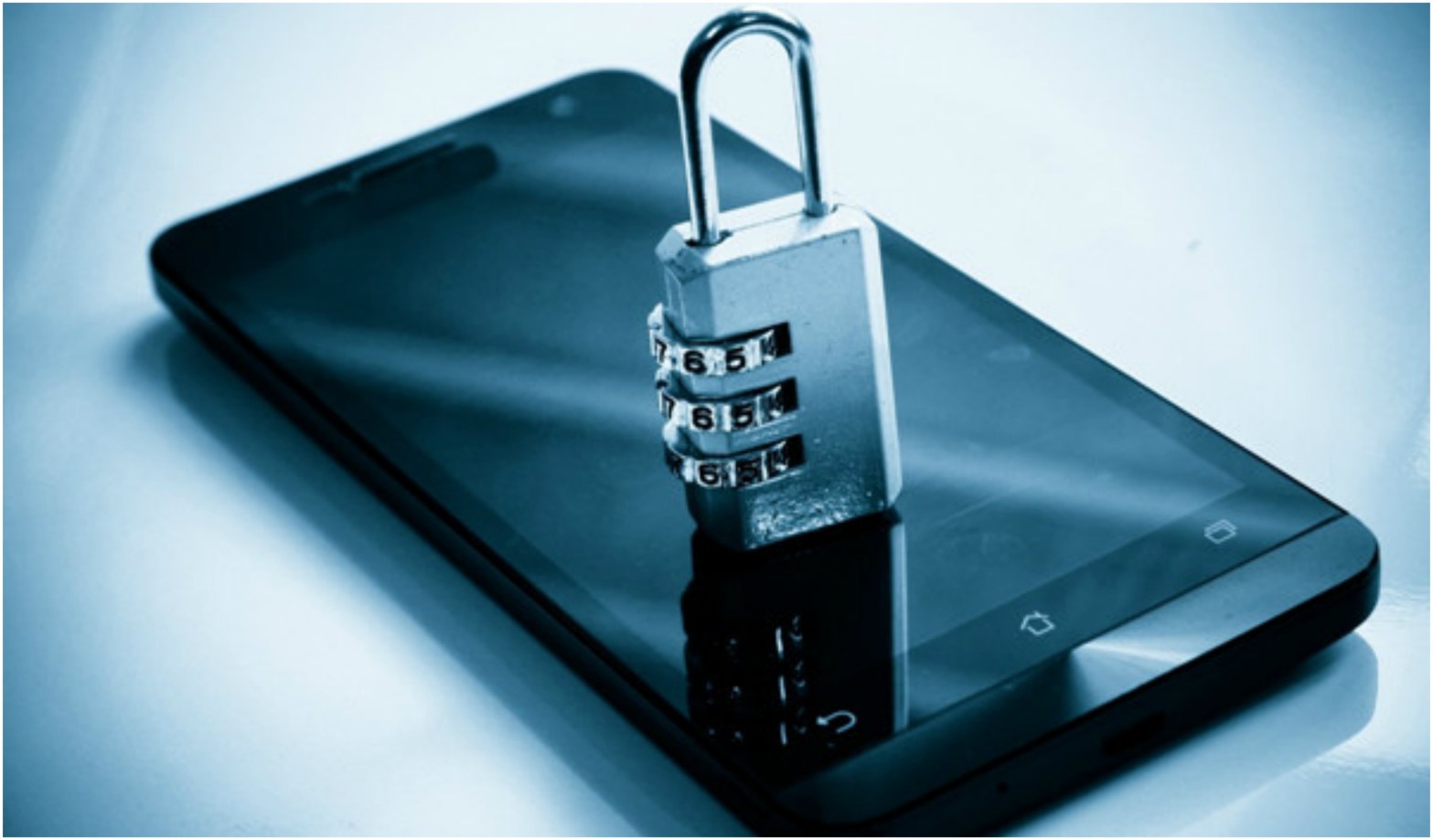
How important is the mobile phone in your life? I’m sure losing, stealing, or destroying it can be a real problem for you. The mobile phone has become an indispensable tool, a kind of modern wallet that incorporates everything, personal information (contacts, PINs, passwords, virtual cards, online banking applications, etc.), data and files stored in it (photos, movies, audio recordings, pictures of documents, etc.), gives you internet access, etc.
Tips for the safety and security of an android phone:
1. Do not sit with your mobile phone in the back pocket of your pants
Mobile phones are getting thinner and bigger screens at the same time. This is actually one of the smartphone manufacturers’ goals to deliver devices that are as thin and light as possible, but there is a risk of damage more easily when used improperly.
2. Keep your mobile phone away from water sources
Keep your mobile phone away from water sources, if not one of the most modern, certified for water and dust resistance.
3. Update your phone software as soon as an update is available
In the Android world, security concerns are as widespread as in any other field. Over time, Android operating system developers have repeatedly confirmed that security issues are the biggest challenge they face.
As a result, a mobile phone manufacturer has no software update that does not bring improvements in terms of security.
4. Do not install applications from unknown/untrusted sources
Of course, not all apps you download from sources other than the Play Store are dangerous. Some developers also operate outside the Play Store to provide beta testing apps or avoid some of Google’s strict rules for publishing apps. You should always make sure that the download is from a relatively safe source, and the application will not compromise your phone.
5. Use secure/strong passwords to lock your phone or applications
A strong password should be relatively long, at least ten characters, composed of random letters and numbers. Do not use names, birthdays, or other codes in your passwords that give you the convenience of remembering them. The password should not be trivial or easy to guess.
It’s suggested for all online accounts to use unique passwords. That could keep you from compromising all accounts in one go.
6. Use the code or password lock screen or use the fingerprint sensor or face unlock
Using the phone with a password or code on the lock screen can protect you from both indiscreet people, who in your absence could put their nose where their pot doesn’t boil, but also from accidental calls when the phone is in their pocket or bag. However, in the event of your cell phone’s theft or failure, they will not be of much use to you.
Any Android phone offers the ability to lock the screen with a code or password. The new generation ones have sensors for fingerprints and / or facial unlock.
7. Use Google 2-Step Verification
With it, you can prevent the use of your Google account when your password is broken. Add an extra protection level by entering your password and a unique authentication code that will be sent to your phone. This protects your Google Account from cybercriminals. Even if another person finds out your password, it won’t be enough to sign in to your account. To connect, that person will need to know and have something that only you know.
For read more 10 Social Media Safety Tips, click here
 The Bloggify